WooCommerce Shipping Zones vs Shipping Restriction Plugins
Compare WooCommerce shipping zones to shipping restriction plugins for regulated ecommerce. Learn which option protects your store from compliance risks.
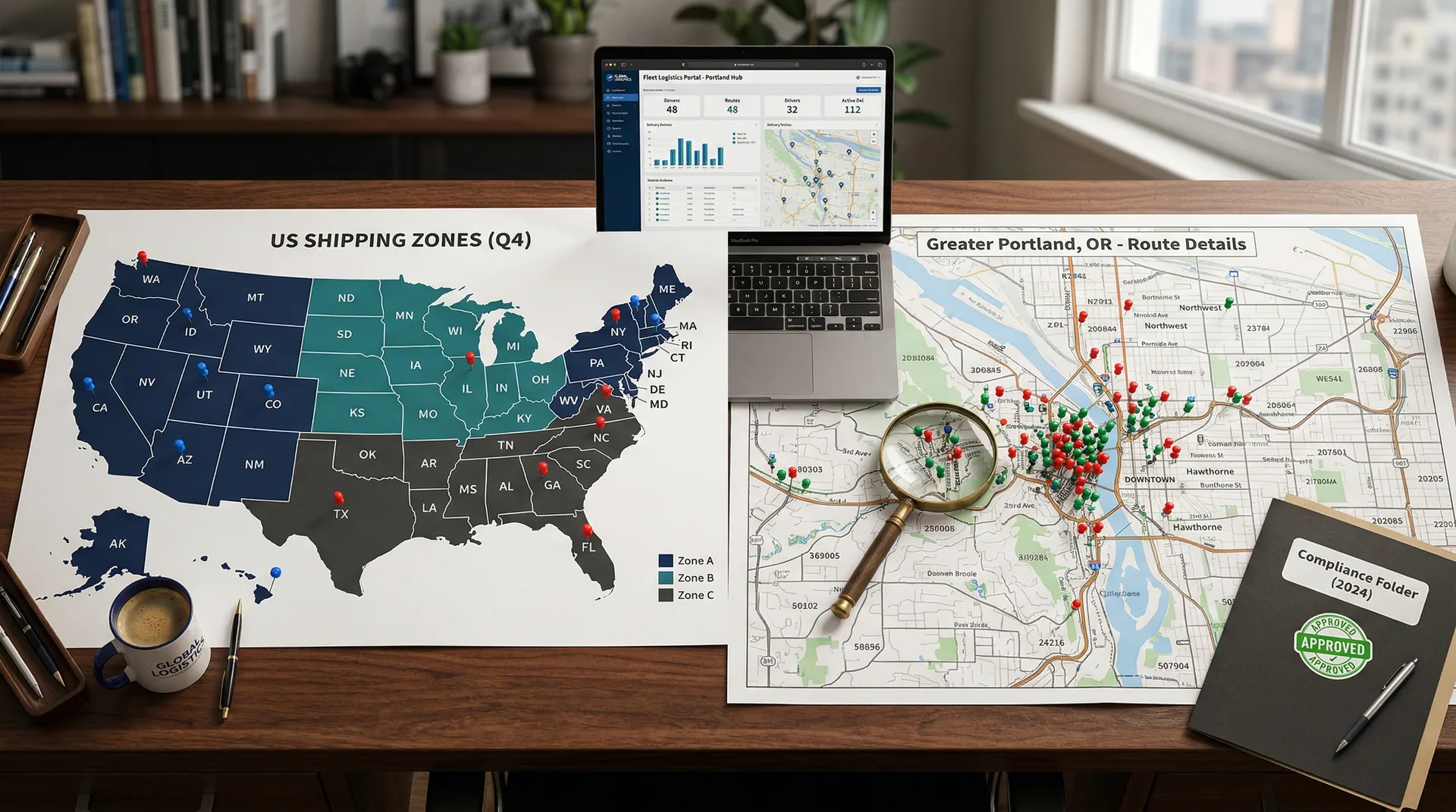
If you have ever shipped a regulated product to a restricted zip code, you know the panic. You also know that WooCommerce shipping zones were not built for your business. This guide breaks down WooCommerce shipping zones vs shipping restriction plugins so you can pick the right tool for your store.
Selling alcohol, cannabis, firearms, or other regulated goods means mistakes carry real weight. We are not talking about a bad review. We are talking about fines, license pulls, and seized products. That is not a risk you can afford.
WooCommerce shipping zones handle the basics well for general stores. But they were never made for strict compliance needs. So how do they compare to paid plugins like Ship Restrict? Let's find out.
By the end, you will know which option fits your store, your compliance needs, and your growth plans. No fluff. Just a clear, honest look at what each option delivers.
Automate Shipping Compliance
Block orders to restricted states automatically. 3-day free trial.
Start Free TrialWhat We Are Comparing (And Why It Matters)
Let's define our terms before we dig in.
WooCommerce Shipping Zones are the free, built-in shipping system in every WooCommerce install. They let you set up regions and assign shipping methods to those regions. You can learn more in the official WooCommerce shipping zones documentation.
Shipping Restriction Plugins are paid tools built for precise, location-based shipping control. They go far beyond what zones can do on their own.
This is not a "free vs. paid" debate. It is a talk about what each tool can and cannot do for compliance. Those are very different things.
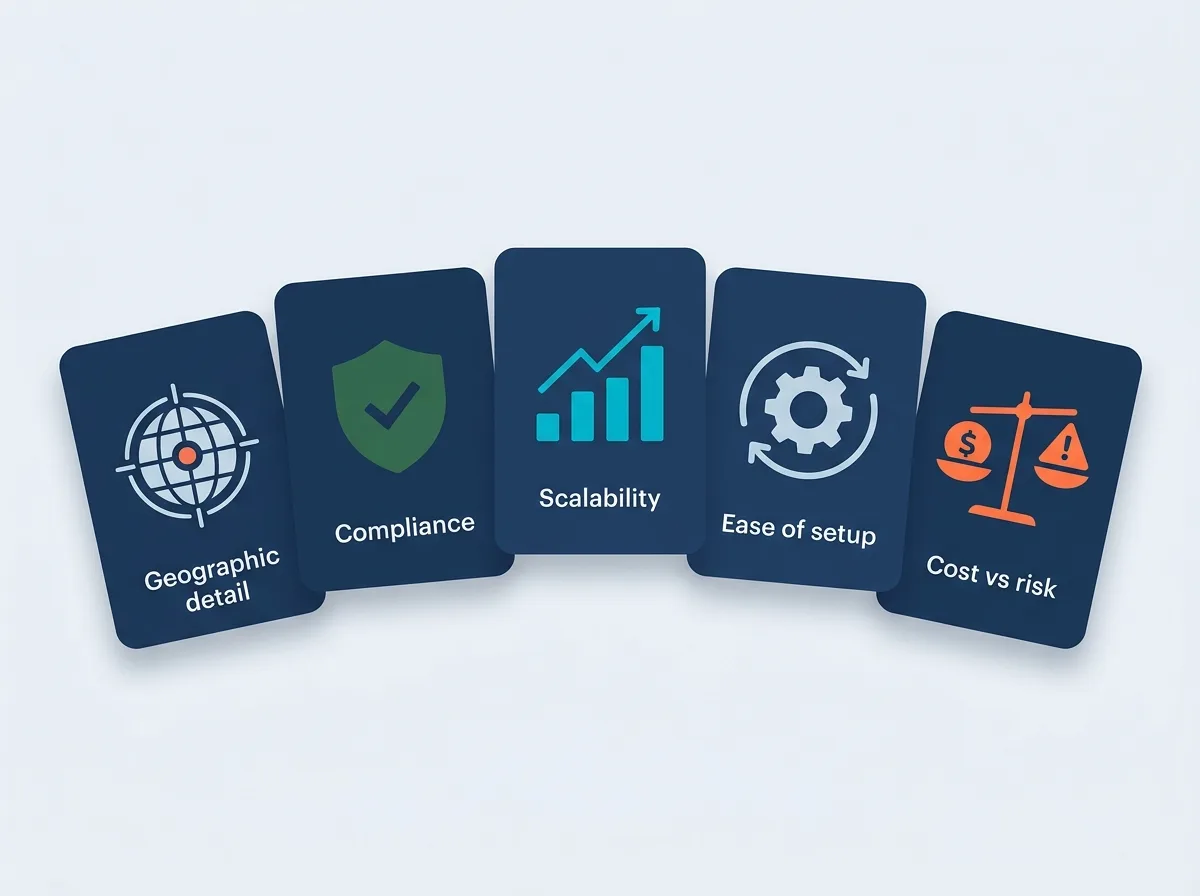
We are scoring both options on five points:
- Geographic detail (country, state, city, zip)
- Compliance and regulatory fit
- Scalability and speed
- Ease of setup and upkeep
- Cost vs. risk trade-off
Why these five? They map to what regulated store owners worry about most. If you sell age-gated, geo-gated, or license-gated products, these are the factors that matter.
WooCommerce Shipping Zones: What You Get for Free
Credit where it is due. WooCommerce shipping zones are not bad. For many stores, they work just fine.
Here is what they do well:
Free Shipping Compliance Audit
We'll review your WooCommerce store's shipping compliance for free.
- Free and built-in. No extra cost. They come with every WooCommerce install.
- Simple country and state setup. Create zones, pick regions, and add shipping methods in minutes.
- Native support for WooCommerce shipping classes and methods.
- Good enough for general stores selling items like clothes, home goods, or digital products.
If you sell t-shirts and ship within the US, zones work great. Full stop.
But here is where things fall apart for regulated sellers.
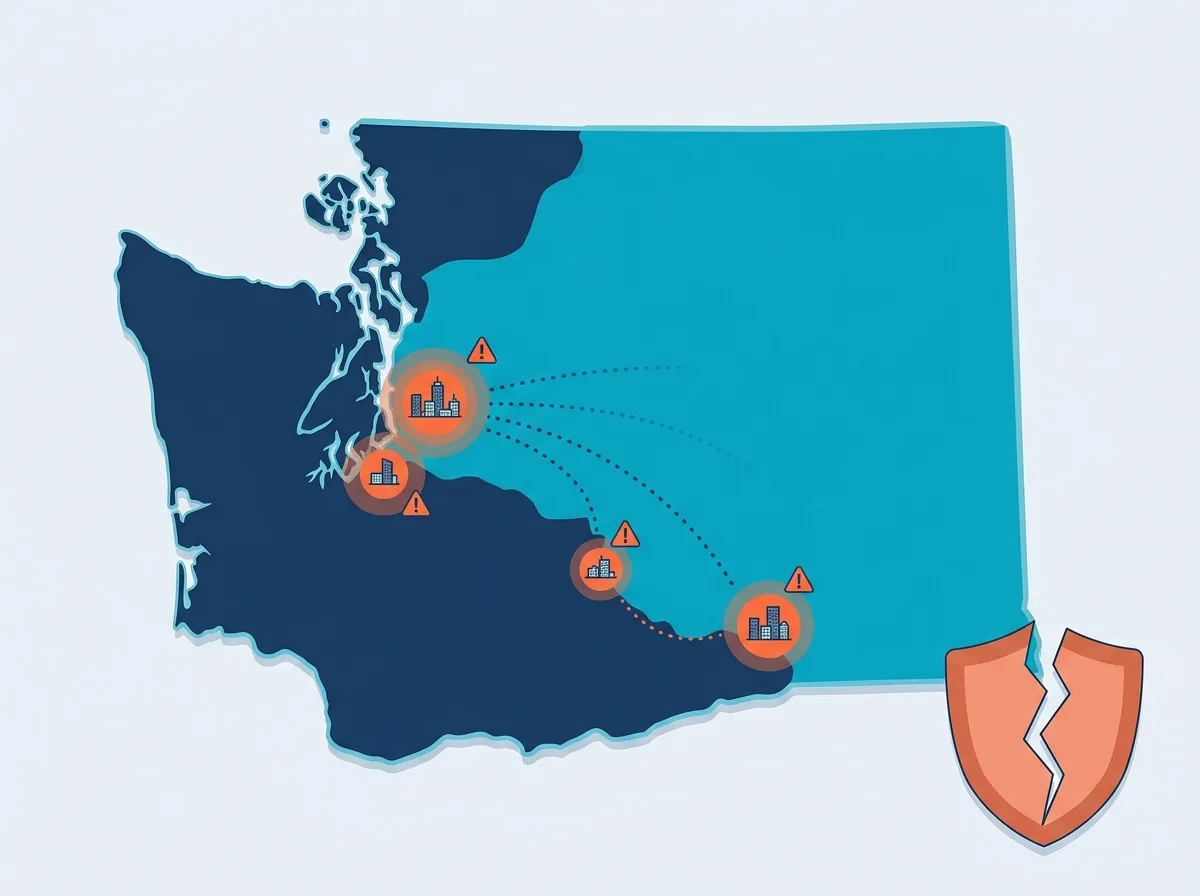
WooCommerce shipping zones have no zip code blocking. You can target a state, but you cannot block one zip code inside it. That is a problem if you deal with dry counties, local cannabis bans, or other hyper-local rules.
There is no city-level control without custom code. No product-based rules either. You cannot block shipping based on what is in the cart plus where it is going. And there is no live check at checkout.
Many regulated sellers try to patch these gaps with PHP code snippets and hooks. It works until it breaks. This creates upkeep headaches, plugin conflicts, and fragile setups that fail after updates. One developer put it bluntly: "Shipping Zones plus hooks is a nightmare for 10k+ zips."
Those patches do not scale as laws change or your catalog grows.
The Real Cost of "Free"
Here is where things get serious. Gaps in shipping controls can lead to fines, license loss, or product seizures. The U.S. Small Business Administration notes that proper licensing and permits are critical for regulated businesses. Losing yours over a shipping error is not worth the savings.
Picture this: a cannabis store ships to a banned city because their zone setup could not handle the exception. That "free" setup just got very costly.
The real question is not whether zones cost money. It is whether the gaps in their features cost you more.
WooCommerce Shipping Zones vs Shipping Restriction Plugins: Precision Control
Now let's look at what happens when you use a tool built for this job.
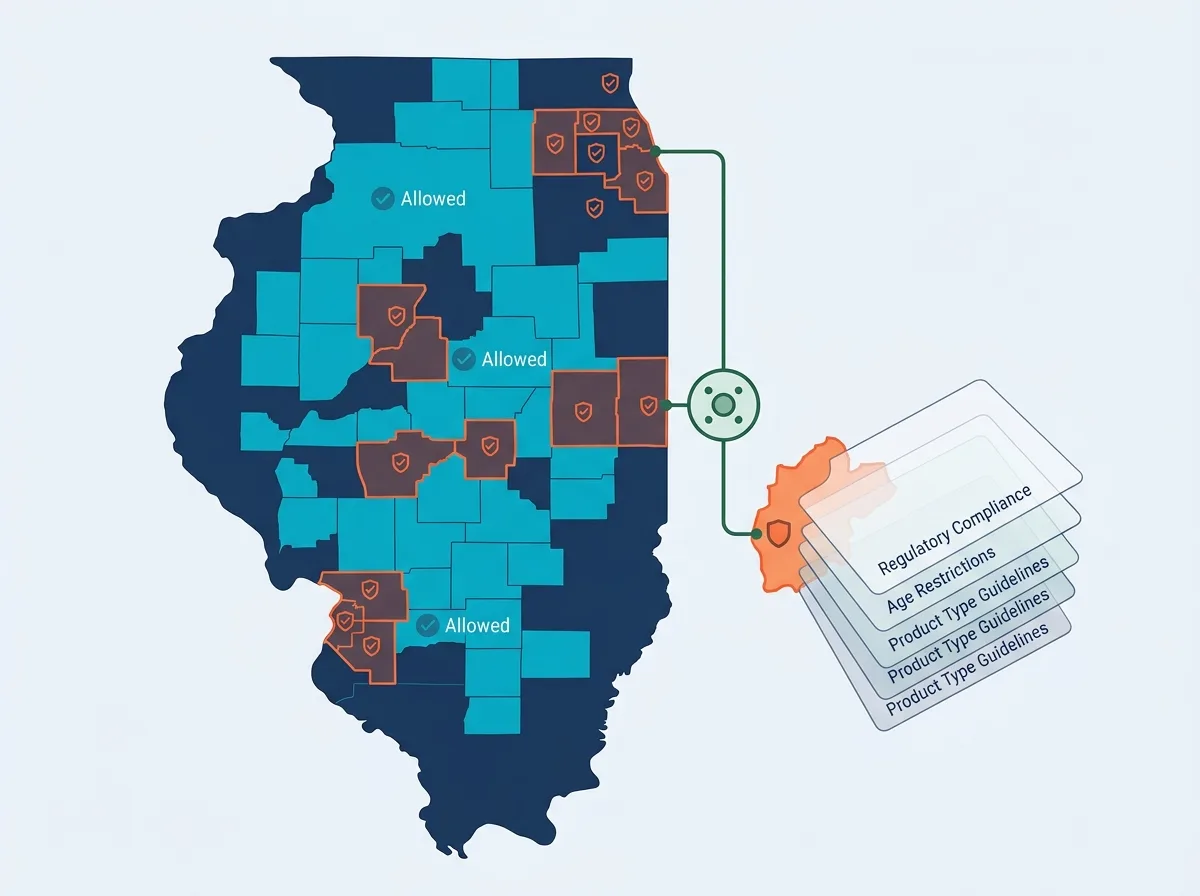
Plugins like Ship Restrict solve every limit we just listed. And they do it without a single line of code.
Pinpoint geographic blocking. Ship Restrict lets you set rules down to the exact zip code, city, state, or any mix of these. You can build allow-lists or block-lists at any level. Dry counties? Done. City bans? Covered. License-limited areas? No problem.
You set it all up through the plugin screen. No custom code needed.
Product-level and layered rules. This is where things get powerful. You can tie blocks to specific products, categories, or shipping classes.
For example, you could block cannabis edibles from shipping to State X while still letting CBD topicals go through. You can stack many rules without conflicts or slowdowns. And when laws shift (they always do), your rules are clear, easy to audit, and simple to update.
Built for compliance-first stores. Blocks are enforced right at checkout. Shoppers in restricted areas simply cannot finish an order. This cuts chargebacks, returns, and legal risk from bad shipments. The Alcohol and Tobacco Tax and Trade Bureau (TTB) maintains state-by-state rules that change often, making this kind of live enforcement essential for alcohol sellers.
Your compliance team (or your lawyer) will love that you can see every restriction and where it applies at a glance.
Ship Restrict Spotlight
Ship Restrict is not a bloated, all-in-one shipping suite with restrictions added as an afterthought. It is a focused, paid plugin built for this exact use case.
The zip, city, and state restriction builder is the star feature. The screen walks you through setting up exactly which products can and cannot ship to which places. It is simple enough that you will not need a developer, but strong enough to handle complex, layered rules.
Because shipping restrictions are its only job, you get support from a team that knows compliance-critical features inside and out. That matters when you are fixing a rule that could mean the gap between a valid shipment and a legal violation. If you want to reduce chargebacks from shipping errors, that kind of support is worth every penny.
Head-to-Head: Zones vs. Restriction Plugins
Let's put it all side by side. Here is how WooCommerce shipping zones and Ship Restrict compare across every point that matters for regulated sellers:
| Criteria | WooCommerce Shipping Zones | Ship Restrict (Paid Plugin) |
|---|---|---|
| Country/State Restrictions | ✅ Built-in | ✅ Full support |
| City-Level Restrictions | ❌ Not supported | ✅ Supported |
| Zip Code Restrictions | ❌ Not supported | ✅ Granular control |
| Product-Conditional Rules | ❌ Manual code only | ✅ Built-in |
| Scalability (10k+ rules) | ⚠️ Breaks with custom code | ✅ Optimized |
| Setup Complexity | Low (basic) | Low-Medium (guided UI) |
| Ongoing Maintenance | High (if customized) | Low (plugin updates) |
| Compliance Suitability | ⚠️ General use only | ✅ Built for regulated |
| Cost | Free | Paid (investment in compliance) |
Key takeaways from this table:
Zones win on one thing: they are free and already installed. That is a real plus, but only if "free" meets your needs.
Restriction plugins win on everything that matters for regulated sellers. The geographic detail, the product rules, the scalability, the compliance fit. It is not close.
Notice where the gap is widest: zip and city level. That is exactly where compliance rules are most specific. State-level controls are table stakes. The real complexity lives in zip codes and cities.
Let's be fair, though. If you sell items with no restrictions and only need country or state rules, do not make things harder than they need to be. WooCommerce shipping zones will serve you fine. Not every store needs a restriction plugin.
This comparison is for stores where shipping compliance is not optional. If that is you, keep reading.
How to Choose (And When to Make the Switch)
How do you know when it is time to go beyond native shipping zones? Here is a simple framework.
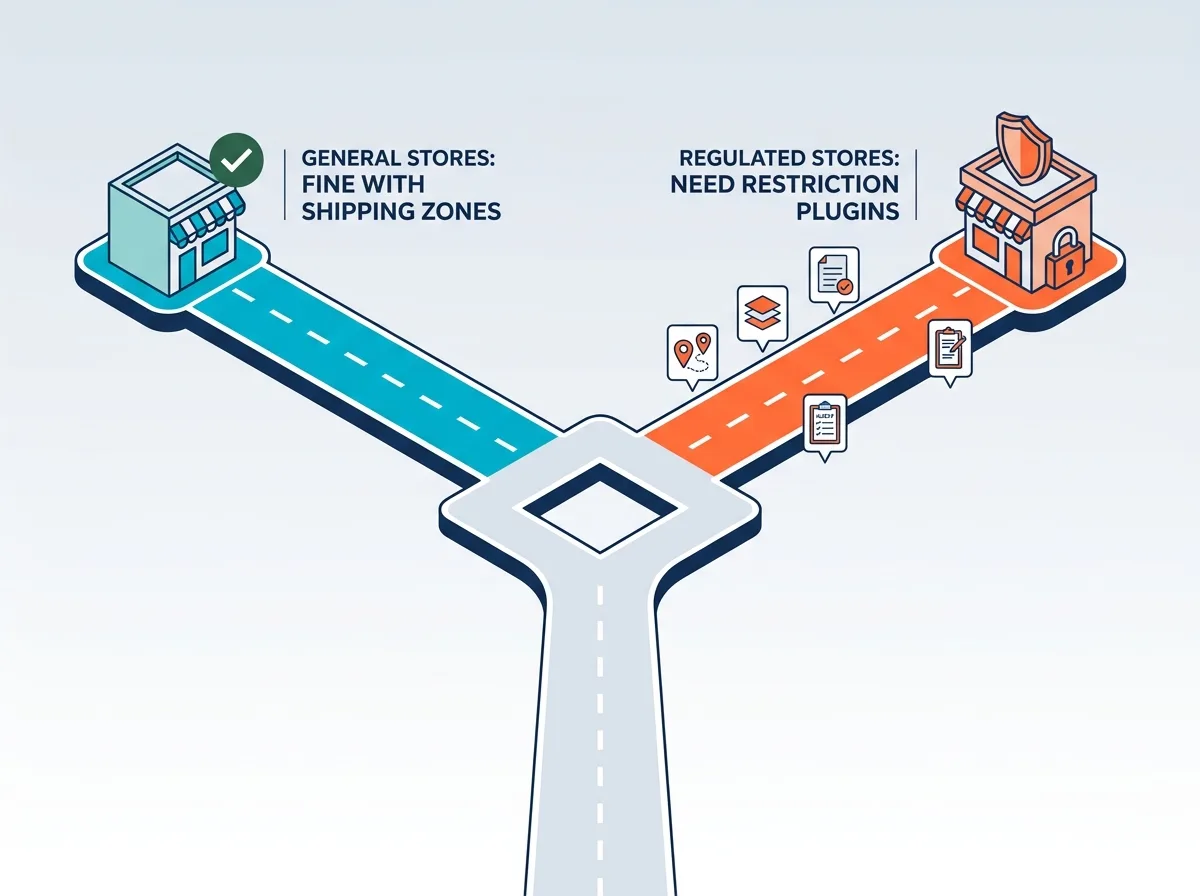
You need a shipping restriction plugin if:
- You sell any product restricted by location at the city or zip code level
- You have already been burned by a bad shipment to a restricted area
- You spend hours keeping custom code snippets alive for shipping rules
- Your compliance team needs clear, auditable restriction records
- You are growing into new states or product lines with different rules for each product type
If you checked even one of those boxes, it is time.
The good news? The switch does not have to be hard.
Ship Restrict works alongside your current shipping zones. You do not have to rip anything out. Start by adding zip and city blocks on top of your current zone setup. Test in staging, make sure blocked areas cannot check out, then go live. Once the plugin handles your rules, you can safely delete those old code snippets.
Think about the future, too. In 2026 and beyond, state and local shipping laws are getting more specific, not less. A good restriction plugin adapts to new rules without a developer. Paying now saves far more than a compliance violation later.
Conclusion
WooCommerce shipping zones are a solid base for simple stores. They are free, easy, and fine for general ecommerce. But they were never built for the compliance demands of regulated industries.
The gap between what zones offer and what regulated sellers need is real. Dedicated WooCommerce shipping restriction plugins like Ship Restrict fill that gap.
The three biggest wins from making the switch:
- Zip and city-level precision that matches the real detail of your regulatory needs
- Compliance confidence, knowing restricted areas are truly blocked at checkout
- Time saved on keeping fragile custom code that breaks with every update
This is not about spending money for the sake of it. It is about guarding your license, your revenue, and your customers. When you weigh the cost of a paid plugin against the cost of a single compliance violation, the math is clear.
Ready to stop worrying about shipping to the wrong zip code? See how Ship Restrict gives you precise control over every restriction your store needs, down to the exact zip code, city, and state. Your compliance team will thank you.
Bookmark this comparison and share it with your operations or compliance team before your next WooCommerce audit.
Automate Shipping Compliance
Stop worrying about restricted states. Ship Restrict handles it automatically.

Cody Yurk
Founder and Lead Developer of ShipRestrict, helping e-commerce businesses navigate complex shipping regulations for regulated products. Ecommerce store owner turned developer.
Automate Shipping Compliance
- Block restricted states
- No more cancellations
- Set and forget
3-day free trial · Card required