WooCommerce Shipping Restrictions Plugins: Free vs Paid
Compare free and paid WooCommerce shipping restrictions plugins for regulated products. See which tier keeps your store compliant.
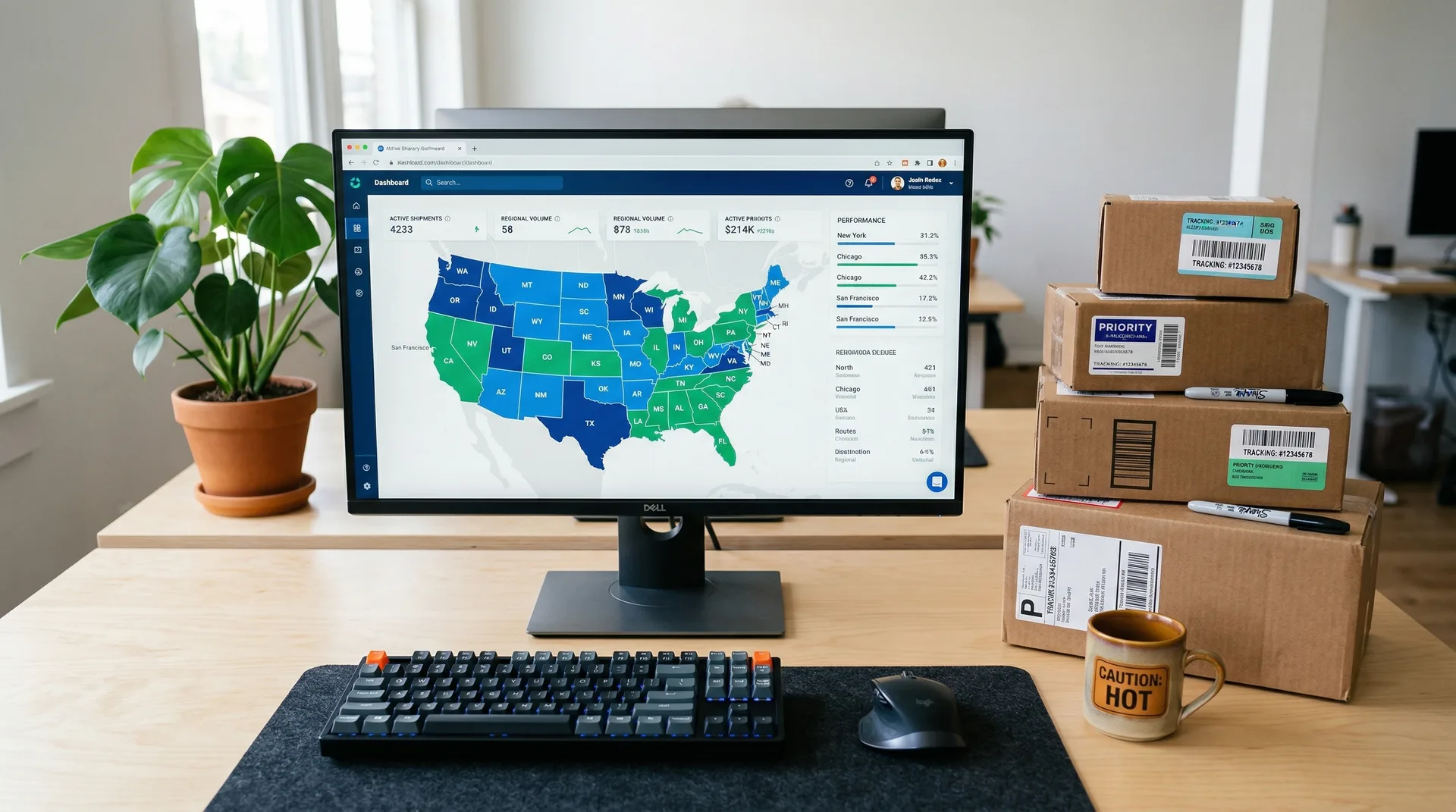
If you sell ammo, alcohol, or other regulated goods, you need the right WooCommerce shipping restrictions plugins to stay legal. Your shipping setup is not just a nice feature. It is a compliance shield. One bad rule, one missed ZIP code, and you could face a real violation.
Here is the problem. Default WooCommerce shipping settings give you almost no restriction tools. So you need a plugin. But when you search, you find a split: free tools that promise the basics and paid tools that promise everything.
Which tier does your store actually need?
We will break it all down here. We will look at what free plugins can and cannot do. We will stack them against paid options, including Ship Restrict. Then we will help you find the right fit.
Automate Shipping Compliance
Block orders to restricted states automatically. 3-day free trial.
Start Free TrialFor stores that sell regulated products, the gap between free and paid is not just about features. It is about compliance confidence.
What to Look for in a WooCommerce Shipping Restrictions Plugin
Before comparing tools, let's get clear on what matters most. Not all features carry equal weight for regulated sellers.
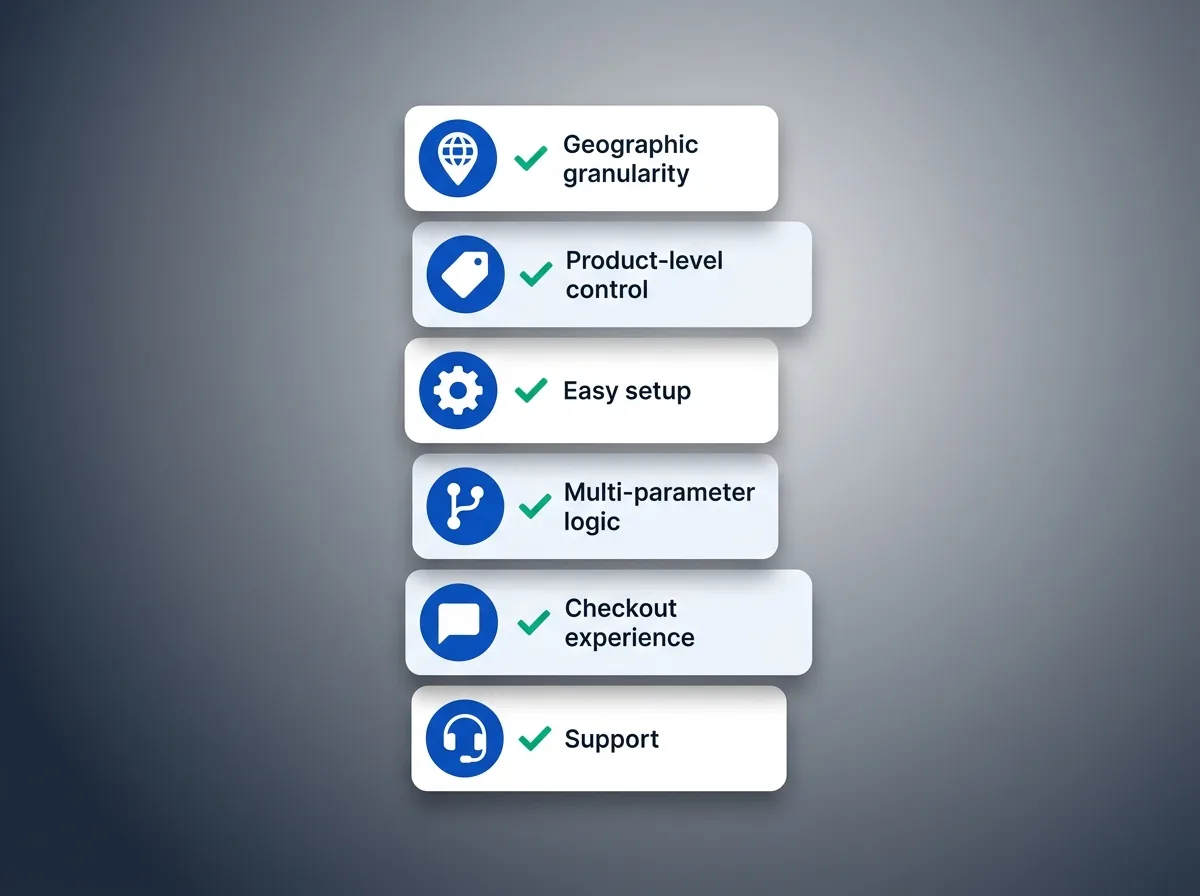
Geographic granularity tops the list. Can the plugin block by country, state, city, and ZIP code? For regulated sellers, ZIP-level control is not optional. Think dry counties, city-level bans, and states with partial rules. A plugin that only blocks by country will not work.
Product-level and category-level control comes next. If your catalog mixes restricted and non-restricted items, you need to set rules by product, variation, category, tag, or shipping class. Per-variation control matters a lot. A plugin that cannot tell two variations apart creates blind spots.
Easy setup and rule management at scale matters more than most people think. Setting up a dozen rules feels fine. Setting up hundreds? That is where no-code tools and bulk management become must-haves.
Then there is multi-parameter logic: the power to combine conditions like product + state + ZIP + method using AND/OR rules. For example: "Block ground shipping for Product X to these 12 states AND these 47 ZIP codes." If a plugin cannot do that, it is not built for regulated stores.
Do not skip the checkout experience either. How does the plugin tell customers about blocks? Custom messages cut confusion and cart drops. Generic errors create support tickets.
Finally, think about support and updates. Rules change as laws change. The ATF updates firearms regulations regularly, and your plugin needs to keep pace.
Free Shipping Compliance Audit
We'll review your WooCommerce store's shipping compliance for free.
Free WooCommerce Shipping Restrictions Plugins: What You Get
Let's be fair. Free plugins are not useless. But they have a ceiling. For regulated stores, that ceiling is low.
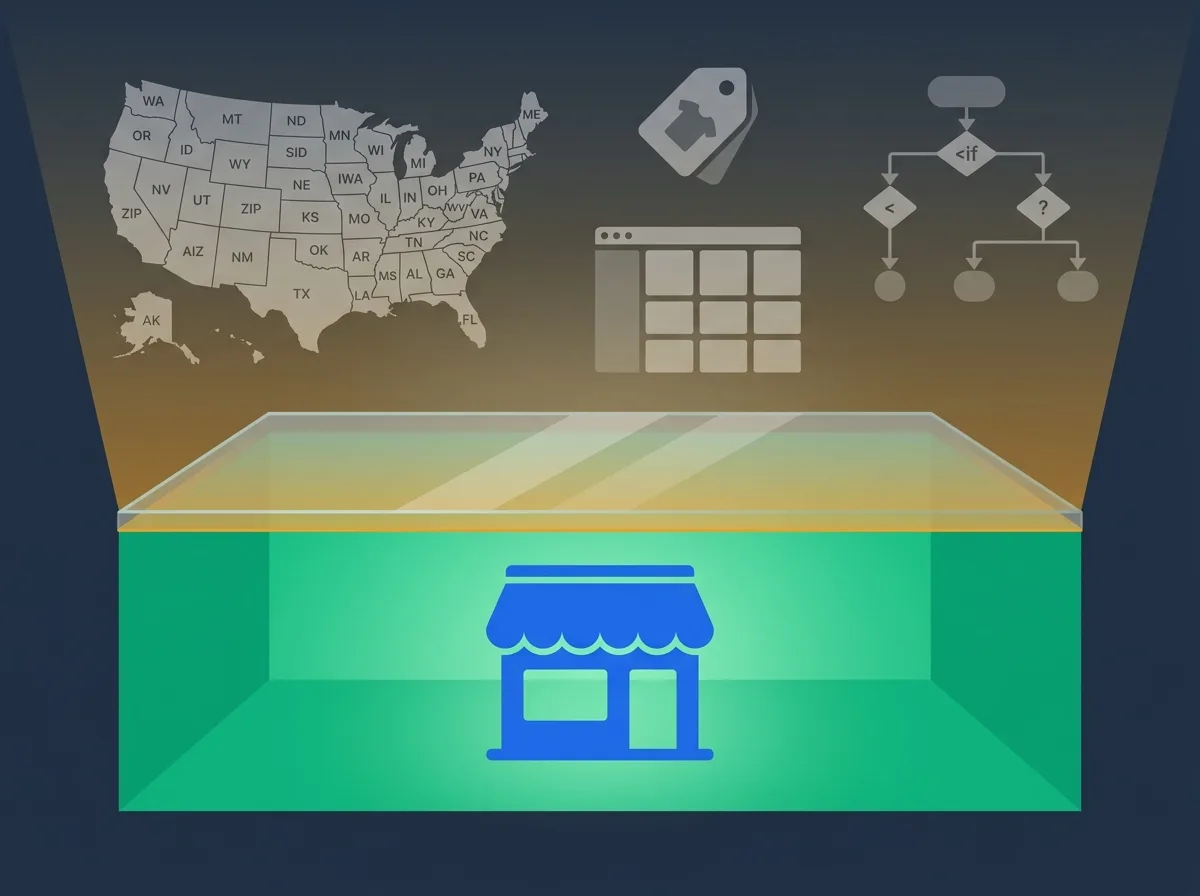
The most notable free option is WPFactory Conditional Shipping for WooCommerce (free tier). It offers basic conditions like order amount, cities, and user roles. You will also find other free plugins on WordPress.org with simple geographic blocks. "Free" usually means: country-level blocking, basic method hiding, and simple logic.
Where Free Plugins Work Fine
If your needs are simple, free tools do the job. "Don't ship outside the US" or "hide flat rate when the cart tops $100" are easy tasks. For non-regulated stores that just want to hide a shipping method, free plugins are fine. The low cost makes them great for testing, too.
Where Free Plugins Fall Short
Here is where cracks appear for regulated sellers:
- ZIP code blocks are rare or missing. That kills state-with-exceptions compliance.
- No per-variation control. Bad news when variations have different rules.
- No bulk rule management. Setting rules for hundreds of SKUs becomes a long, manual grind.
- Basic or no multi-parameter logic. You cannot combine product + geography + method conditions.
- Generic error messages at checkout. Confusing for buyers, costly for your support team.
- Little or no dedicated support. When something breaks during an audit, you are on your own.
There is also a hidden cost. The hours you spend on manual rule management. The risk from gaps. The cart drops from a bad checkout flow.
Free is not really free when a bad rule lets a restricted product ship to the wrong state.
Paid WooCommerce Shipping Restrictions Plugins: What You Unlock
The paid market is more crowded than you might expect. Here is how the main players stack up.
IgniteWoo Restrict Shipping focuses on destination-based blocks (countries, states, postal codes) with per-product and global rules. It handles variable products. Solid for geography-focused needs.
WooCommerce official extensions like Conditional Shipping and Payments carry brand trust. They are thorough but pricey. You may need to combine multiple extensions to cover all your cases. The WooCommerce shipping documentation covers their default tools, but regulated sellers usually need more.
Webkul Shipping Restrictions takes a different angle with weight-based rules, cart-based logic, and complex operators. Useful if your blocks are size or weight driven.
Then there is Ship Restrict, which handles multi-parameter blocks by product, category, tag, state, city, or ZIP code through an easy no-code rule builder made for scale.
What do paid plugins unlock? ZIP-level geographic blocks. Per-variation control. Multi-parameter AND logic. Bulk rule tools. Custom checkout messages. Dedicated support.
Why Ship Restrict Stands Out
Ship Restrict was built for the exact complexity regulated retailers face. That focus shows in every part of the tool.
No coding needed. The interface is clear enough that non-technical store owners can set rules with confidence. No developer fees. No hours of tutorials. You handle product, category, tag, state, city, AND ZIP code rules from one dashboard.
Scaling is smooth. Whether you manage 20 rules or 2,000, Ship Restrict keeps things simple. As they put it: "Create shipping restrictions by product, category, tag, state, city, or ZIP code with ease."
For firearms sellers, alcohol distributors, and pharmaceutical retailers, this means compliance confidence. The peace of mind that your shipping rules are tight, not held together with hope.
Free vs Paid: Feature Comparison Table
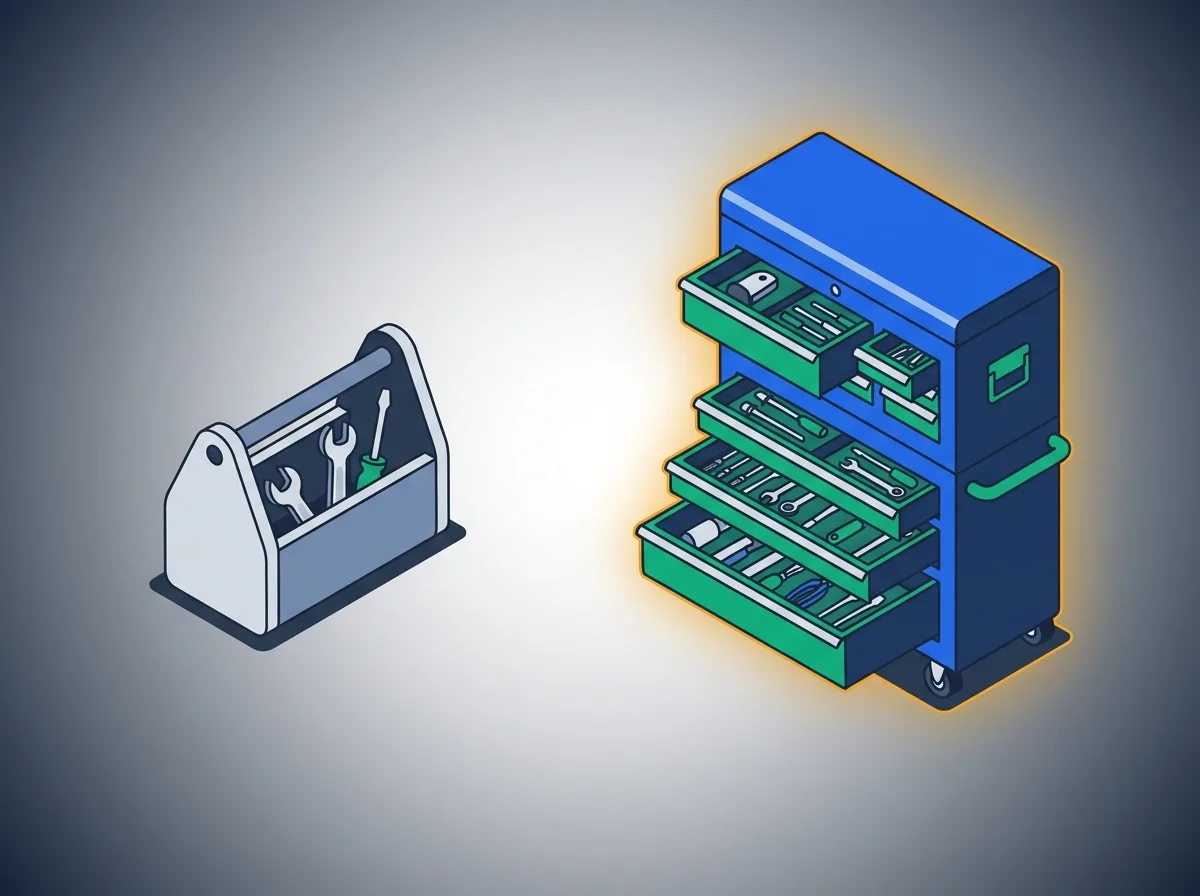
The pattern is clear. Free plugins cover basics but leave big gaps in geographic detail and product-level control. Paid tools each have strengths, but many focus on one area only.
| Feature | Free Plugins | IgniteWoo | WooCommerce Extensions | Ship Restrict |
|---|---|---|---|---|
| Country restrictions | Yes | Yes | Yes | Yes |
| State restrictions | Limited | Yes | Yes | Yes |
| ZIP/postal code restrictions | No | Yes | Limited | Yes |
| Per-product rules | Limited | Yes | Yes | Yes |
| Per-variation rules | No | Yes | Limited | Yes |
| Category/tag-based rules | Limited | Limited | Yes | Yes |
| Shipping class restrictions | No | Limited | Yes | Yes |
| Multi-parameter logic | No | Limited | Limited | Yes |
| Bulk rule management | No | No | No | Yes |
| Custom checkout messages | No | Limited | Yes | Yes |
| No-code setup | Yes | Yes | Yes | Yes |
| Dedicated support | No | Yes | Yes | Yes |
Ship Restrict is the most complete single-plugin option for regulated stores. It covers all parameters in one place. That means fewer plugins to manage, fewer conflicts, and fewer gaps where compliance errors sneak through.
What about cost? Yes, paid plugins are an investment. But weigh that against the alternative: a compliance fine, a lawsuit, or a flood of support tickets from confused buyers. A plugin that costs less than one legal consult suddenly looks like a bargain.
Real-World Scenarios: Which Tier Fits Your Needs?
Let's make this concrete with three common cases.
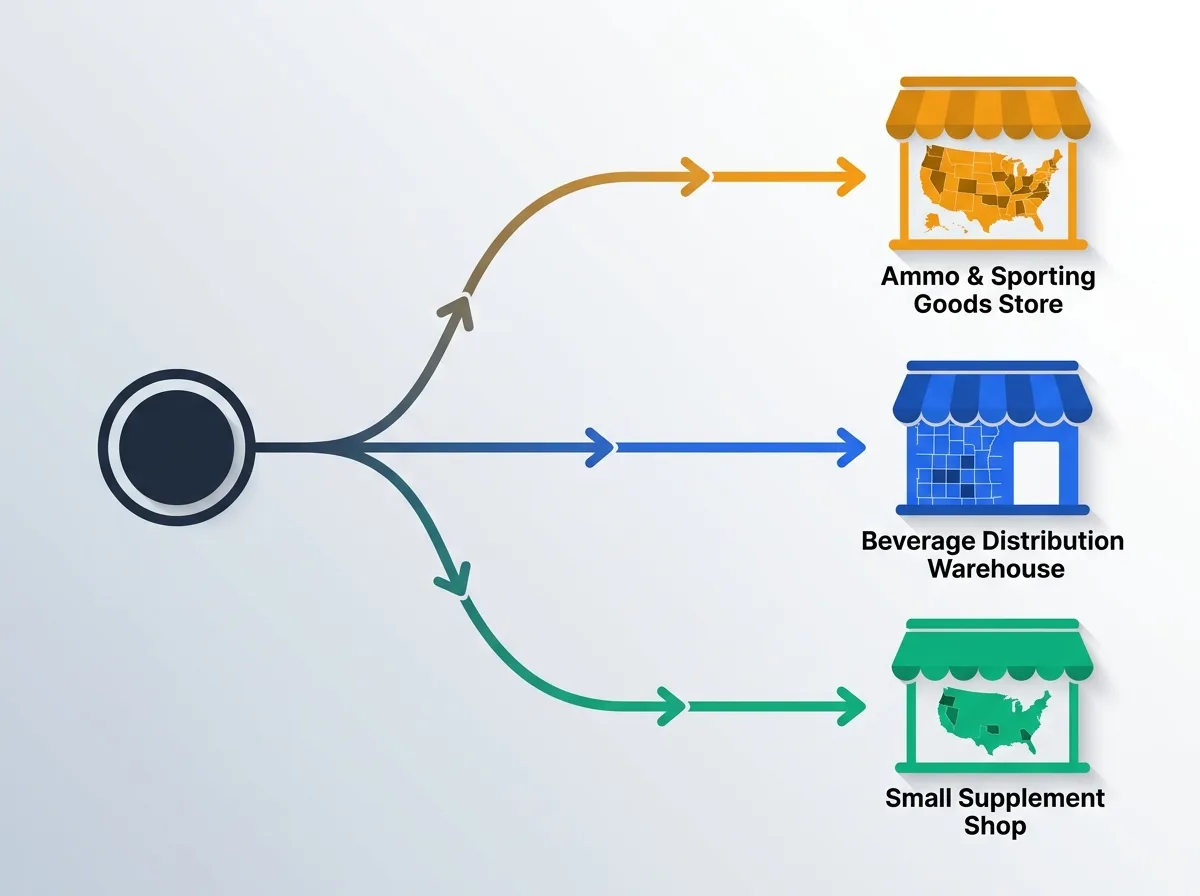
Scenario 1: Ammo Retailer Shipping to 50 States
You sell multiple calibers across all 50 states. Eight states have full bans. Fifteen have county or ZIP exceptions. Different calibers have different rules.
With a free plugin? You would need workarounds, maybe several plugins stacked together, and constant checking. The error risk is huge. One missed ZIP code, and you have shipped to a blocked area.
With Ship Restrict? Set state + ZIP + product category rules in one place. Scale those rules across your full catalog in minutes instead of days.
Scenario 2: Alcohol Distributor With Dry County Rules
You need ZIP-level detail. Wine and spirits have different profiles. Some counties are dry, some are wet, and some are "moist" (yes, that is a real classification per the TTB).
Most free plugins max out at state-level blocks. No ZIP granularity means no way to get this right. Ship Restrict's ZIP code rules combined with category-based logic handle this exact case.
Scenario 3: Small Supplement Store With Basic State Blocks
You have 20 products and need to block shipping to 2 or 3 states for a few items.
Honest take: a free plugin might work here, if the logic is simple and product count is low. But even here, Ship Restrict's easy setup and custom checkout messages give a better buyer experience.
Quick Decision Guide
- Fewer than 10 restricted products, simple state-level blocks only? A free plugin may work for now.
- Complex, multi-parameter rules across dozens or hundreds of products? A paid tool like Ship Restrict is not a luxury. It is a must.
Conclusion
Free WooCommerce shipping restrictions plugins cover basic needs. There is no shame in using one if your rules are simple. But regulated retailers face compliance demands that free tools were not built for.
ZIP-level detail. Per-variation control. Multi-parameter logic. Bulk management. Custom messages. These are not nice-to-haves when you sell regulated products. They are requirements. The gap between "mostly works" and "works every time" is where violations happen.
Spending money on a plugin is never fun. But it is far cheaper than a fine or a lawsuit. The math is simple.
For regulated store owners who need complete, scalable, no-code shipping restrictions they can trust, Ship Restrict is the clear winner. It was built for the exact complexity you face every day.
You already do the hard work of running a regulated online store. Your shipping restriction setup should make that easier, not harder.
Ready to stop worrying about shipping compliance? See what Ship Restrict can do for your store.
Want to see it in action first? Check out the Ship Restrict documentation to learn how to set up restrictions for your regulated products step by step.
Automate Shipping Compliance
Stop worrying about restricted states. Ship Restrict handles it automatically.

Cody Yurk
Founder and Lead Developer of ShipRestrict, helping e-commerce businesses navigate complex shipping regulations for regulated products. Ecommerce store owner turned developer.
Automate Shipping Compliance
- Block restricted states
- No more cancellations
- Set and forget
3-day free trial · Card required