The 10 Best WooCommerce Extensions for 2026
Find the best WooCommerce extensions of 2026. Our expert guide covers top plugins for shipping, compliance, payments, and subscriptions to scale your store.
You're probably in one of two situations right now. Either your WooCommerce store already has too many plugins and you're trying to clean up a stack that feels fragile, or you're growing fast enough that the default setup has started to break down in obvious places. Orders need more control. Shipping needs fewer manual checks. Tax and payments can't live in separate silos forever. Marketing tools need to do more than send another coupon email.
That's why “best WooCommerce extensions” lists often disappoint. They usually lump together flashy conversion tools, operational plugins, and compliance software as if they solve the same problem. They don't. A plugin that lifts post-purchase upsells is useful, but it won't help if your team still manually checks every restricted shipment before fulfillment.
That gap matters because WooCommerce isn't a niche platform. Independent 2026 roundups estimate it powers over 6.5 million websites and roughly 33% to 39% of global eCommerce sites, with another analysis saying 1 in every 15 websites uses WooCommerce and 1 in every 5 WordPress sites has the plugin installed, which shows how large and consequential this extension ecosystem has become for store operators worldwide (WooCommerce usage statistics roundup).
WooCommerce's own marketplace also reflects a mature extension ecosystem, with a curated catalog for payments, operations, marketing, and store management rather than a loose collection of one-off add-ons (WooCommerce products marketplace). The best WooCommerce extensions now fall into clear business categories. Compliance, recurring revenue, payments, automation, tax, shipping, and checkout quality all need different tools.
Automate Shipping Compliance
Block orders to restricted states automatically. 3-day free trial.
Start Free TrialThis list is built that way. Not by hype, but by the jobs these extensions do inside a live store.
1. Ship Restrict
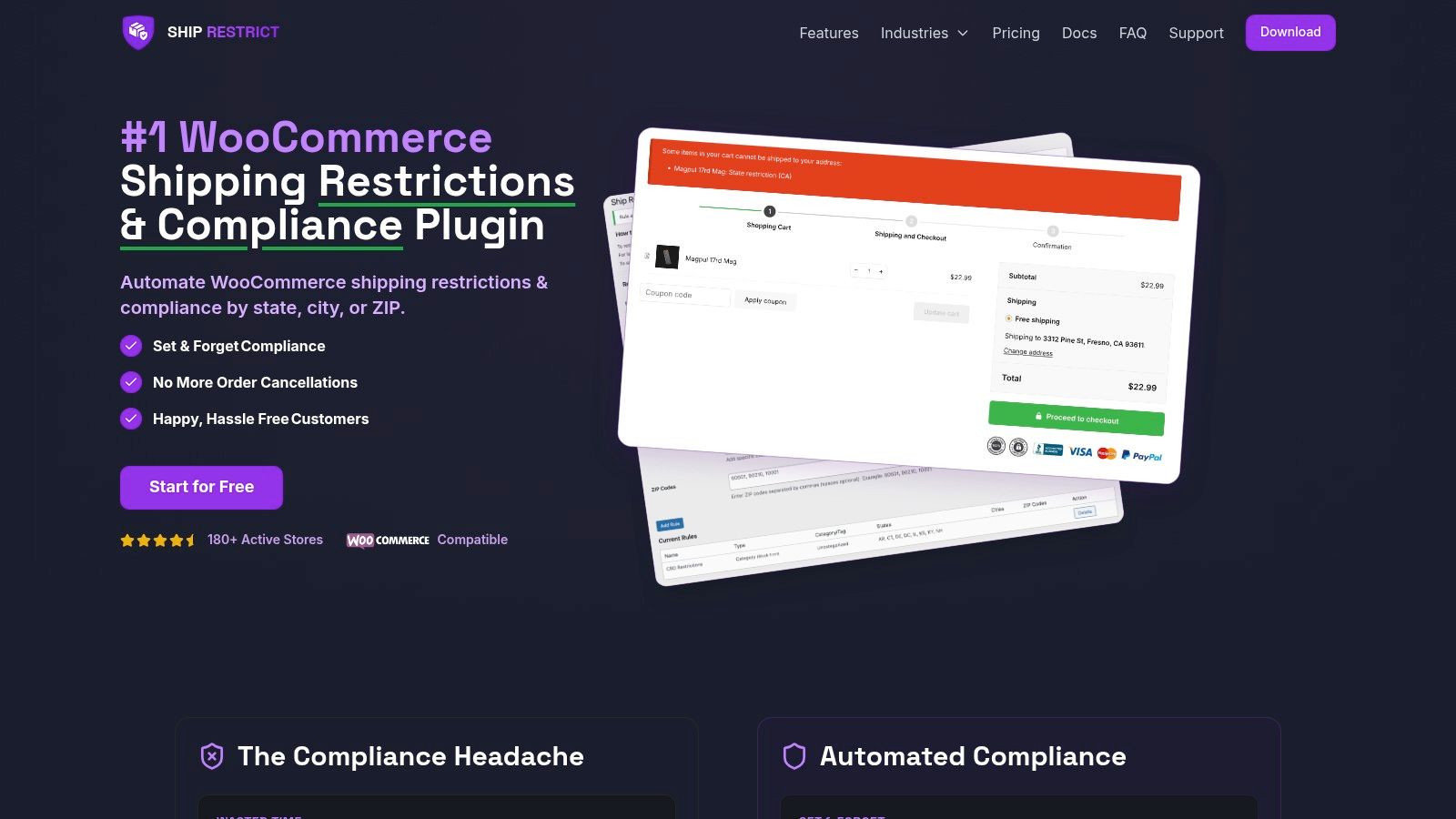
An order clears checkout at 11:42 p.m. By morning, someone on the team notices the shipping address is in a restricted county, the item cannot legally go out, and the store is now dealing with a refund, a support email, and an avoidable compliance problem. That is the operating failure Ship Restrict is built to prevent.
It earns a place near the top of this list because it covers a business need that generic WooCommerce roundups usually gloss over. Stores selling firearms, ammunition, vape, alcohol, CBD, pharmaceuticals, or other regulated products do not just need better conversion tools. They need checkout rules that stop prohibited orders before payment is accepted.
Why it stands out
Ship Restrict applies shipping restrictions by state, county, city, or ZIP, with product-level and variation-level logic. That level of control matters when one SKU can ship to a destination and a closely related variation cannot.
The operational benefit is straightforward. Staff should not be checking addresses against spreadsheets after the order is already in the system.
Practical rule: If compliance depends on somebody remembering a spreadsheet, the process will break once order volume increases.
The plugin also includes bulk rule creation, scheduled rule changes, and customizable restriction messages at checkout. Those features sound administrative until the catalog gets large or regulations change on a deadline. Bulk editing keeps maintenance realistic. Scheduling helps stores prepare for policy updates without late-night manual changes. Clear customer messaging reduces abandoned support threads caused by vague checkout errors.
Practical applications
For a small regulated-goods merchant, Ship Restrict can remove a repetitive manual review step from the order queue. For larger stores and agencies, the stronger value is in scale. Multi-store synchronization, custom API access, dedicated account management, and white-glove onboarding matter when compliance rules have to stay consistent across brands or storefronts.
Implementation is also more mature than many niche plugins. The product includes documentation, video tutorials, a forum, and tiered support, which lowers the risk of putting checkout controls in front of live customers. Merchants who also sell recurring orders should review this guide on shipping restrictions for WooCommerce subscriptions, because subscription renewals can create edge cases if destination rules change after the initial purchase.
Free Shipping Compliance Audit
We'll review your WooCommerce store's shipping compliance for free.
There is a revenue angle here too. Compliance controls protect margin by preventing refunds, failed fulfillment, and manual exception handling. If the store also runs replenishment or membership products, that cleaner order flow helps grow your recurring revenue without adding avoidable operational drag.
Trade-offs
Ship Restrict is purpose-built for WooCommerce, so it is not the right fit for merchants running a mixed-platform stack. Some higher-end capabilities, including real-time rule feeds, CSV import and export, and admin notifications for restricted attempts, are still listed as upcoming.
Even with those limits, the use case is clear. Merchants in regulated categories need more than label printing, tax calculation, or marketing automation. They need a checkout control layer that blocks orders the business cannot legally fulfill.
2. WooCommerce Subscriptions
If your store sells repeatable value instead of one-off products, WooCommerce Subscriptions is the extension that changes the economics of the business. Memberships, service plans, refills, warranty programs, and subscription boxes all benefit from the same thing. Predictability.
The extension is first-party, which matters more here than in some other categories. Recurring billing touches checkout, payment tokenization, account management, renewal logic, and reporting. Deep integration makes ongoing maintenance easier and usually creates fewer strange edge cases in the order lifecycle.
Where it earns its keep
WooCommerce Subscriptions supports recurring billing schedules, free trials, sign-up fees, subscriber self-service, upgrades and downgrades with proration, renewal synchronization, gifting, and reporting tied to active subscriptions and recurring revenue. It also works with a wide range of gateways for automated recurring payments and is compatible with Checkout Blocks and HPOS.
For operators, the subscriber self-service features are easy to underestimate. Letting customers update payment methods, pause, or cancel on their own reduces support tickets. It also lowers the number of renewal failures caused by stale card details.
If your goal is to grow your recurring revenue, this is usually the cleanest native path inside WooCommerce.
If you're shipping a subscription product with destination restrictions, recurring billing is only half the setup. You also need to think through shipping restrictions for WooCommerce Subscriptions before renewals start creating preventable exceptions.
Trade-offs
The premium license cost is the first hurdle. The second is complexity. Subscription catalogs often look simple at launch, then get messy once you add bundles, variable products, limited frequencies, gifting, and account changes.
That's where many stores discover they also need companion extensions like All Products for Subscriptions. So this isn't the cheapest route. But if subscriptions are central to the business model, the official extension tends to be the safer long-term foundation.
3. WooPayments
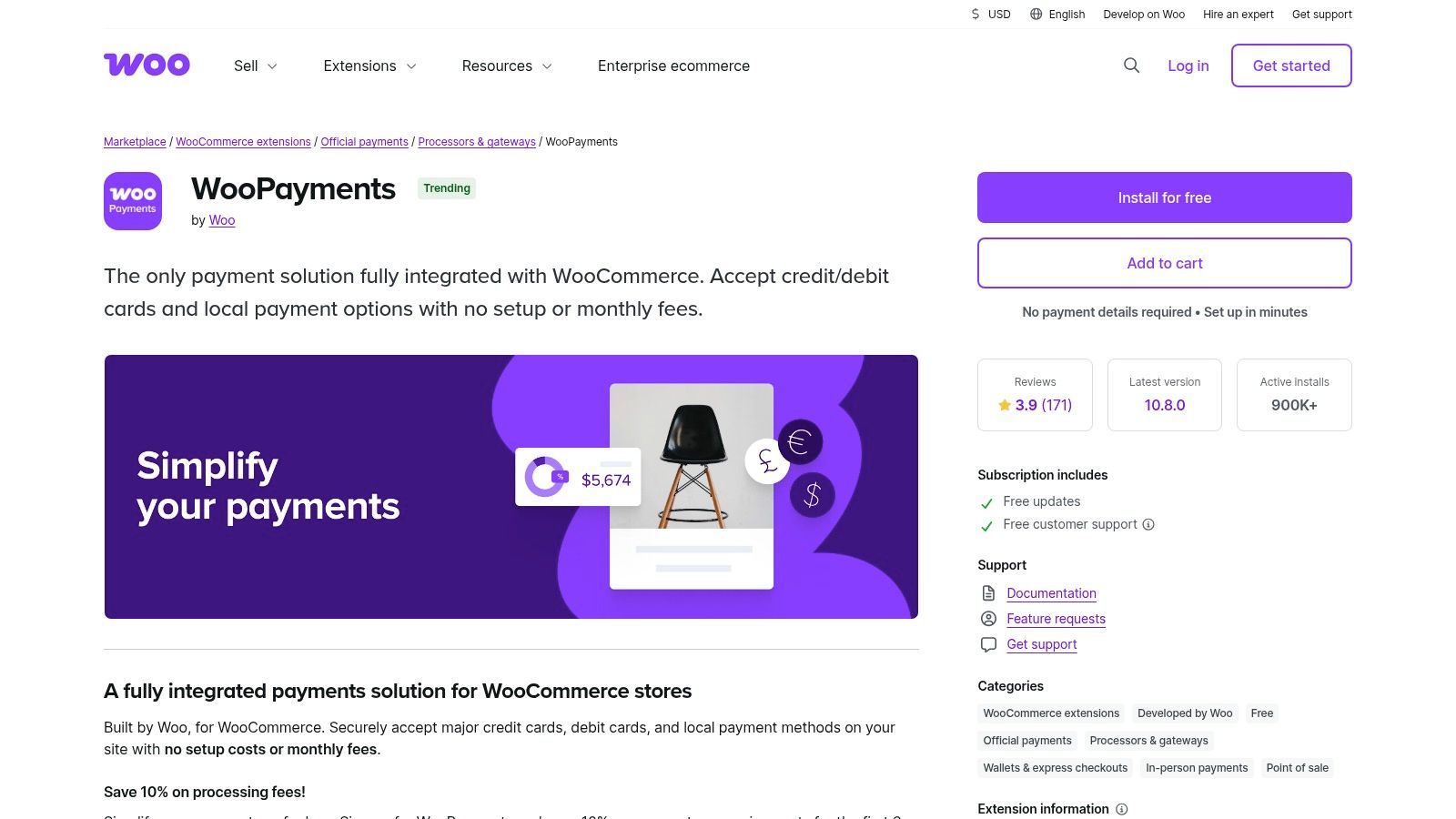
WooPayments is the default recommendation for many standard WooCommerce stores because it keeps payments inside the Woo admin. That sounds modest, but operationally it's a big win. Fewer dashboards means fewer reconciliation mistakes, fewer support handoffs, and faster decision-making when something goes wrong with payouts or disputes.
This is the payment extension I'd look at first for a mainstream catalog that wants on-site checkout and an efficient backend.
What it does well
WooPayments supports on-site card payments, wallets like Apple Pay and Google Pay, buy now pay later options, multi-currency support, dispute management, and transaction visibility inside WooCommerce. There are no setup or monthly plugin fees, though payment processing fees still apply through the underlying rails.
Its strongest advantage is workflow. Store managers can review transactions, payouts, and disputes without bouncing between separate systems all day. For a lean team, that convenience adds up quickly.
WooCommerce's extension marketplace also highlights how much the platform has shifted toward data-driven tooling, including reporting and analytics extensions with advanced order attribution and last-touch order data, which reflects the kind of operational maturity store owners increasingly expect from their payment and revenue stack (WooCommerce reporting and analytics extensions).
Where merchants need caution
Regulated-goods merchants should pause before installing any mainstream gateway. Tight integration doesn't override processor policy. If your products sit in a restricted category, policy fit matters as much as technical fit.
That's why it's worth reviewing payment gateway restrictions for regulated products in WooCommerce before treating WooPayments as a universal answer.
- Best fit: General eCommerce stores that want the most native payments experience in WooCommerce.
- Watch closely: International fees, currency conversion costs, and category restrictions tied to the payment processor.
- Less ideal for: Stores that already need a highly specialized gateway stack or category-specific underwriting.
For conventional stores, it's one of the cleanest installs in the ecosystem. For restricted verticals, it's only a fit if policy and risk approval line up.
4. AutomateWoo

AutomateWoo is the extension for merchants who want lifecycle automation without handing every customer event to an external SaaS platform. That's its core appeal. The workflows live closer to the store.
For some teams, that's a technical preference. For others, it's a governance decision. Keeping automation tied to WooCommerce can simplify data ownership, reduce vendor sprawl, and make experimentation easier for operators who already work inside WordPress every day.
Best use cases
AutomateWoo handles abandoned cart recovery, post-purchase follow-ups, win-back sequences, birthday messages, review requests, VIP workflows, and subscription lifecycle messaging. It also supports prebuilt workflows and background processing so automations don't drag down page performance.
This is one of the best WooCommerce extensions when your store is mature enough to need automation, but not so complex that you need a full external customer data platform.
A lot of merchants add automation too late. They wait until volume hurts. The smarter move is to automate the repeatable moments before the inbox becomes a bottleneck.
The extension is especially useful alongside WooCommerce Subscriptions. Renewal reminders, failed payment prompts, and retention flows are far easier to manage when the automation engine understands native order and subscription events.
Trade-offs
The biggest limitation is creative flexibility. AutomateWoo is practical, but it isn't the most visually polished email building environment. If your brand relies on highly designed campaigns or complex deliverability workflows, you may still want a dedicated email service provider in the mix.
Still, if your priority is operational automation over marketing theater, AutomateWoo does a lot with relatively little overhead. It's a strong fit for stores that want action-based automation, not another disconnected dashboard.
Find it at AutomateWoo.
5. WooCommerce Bookings
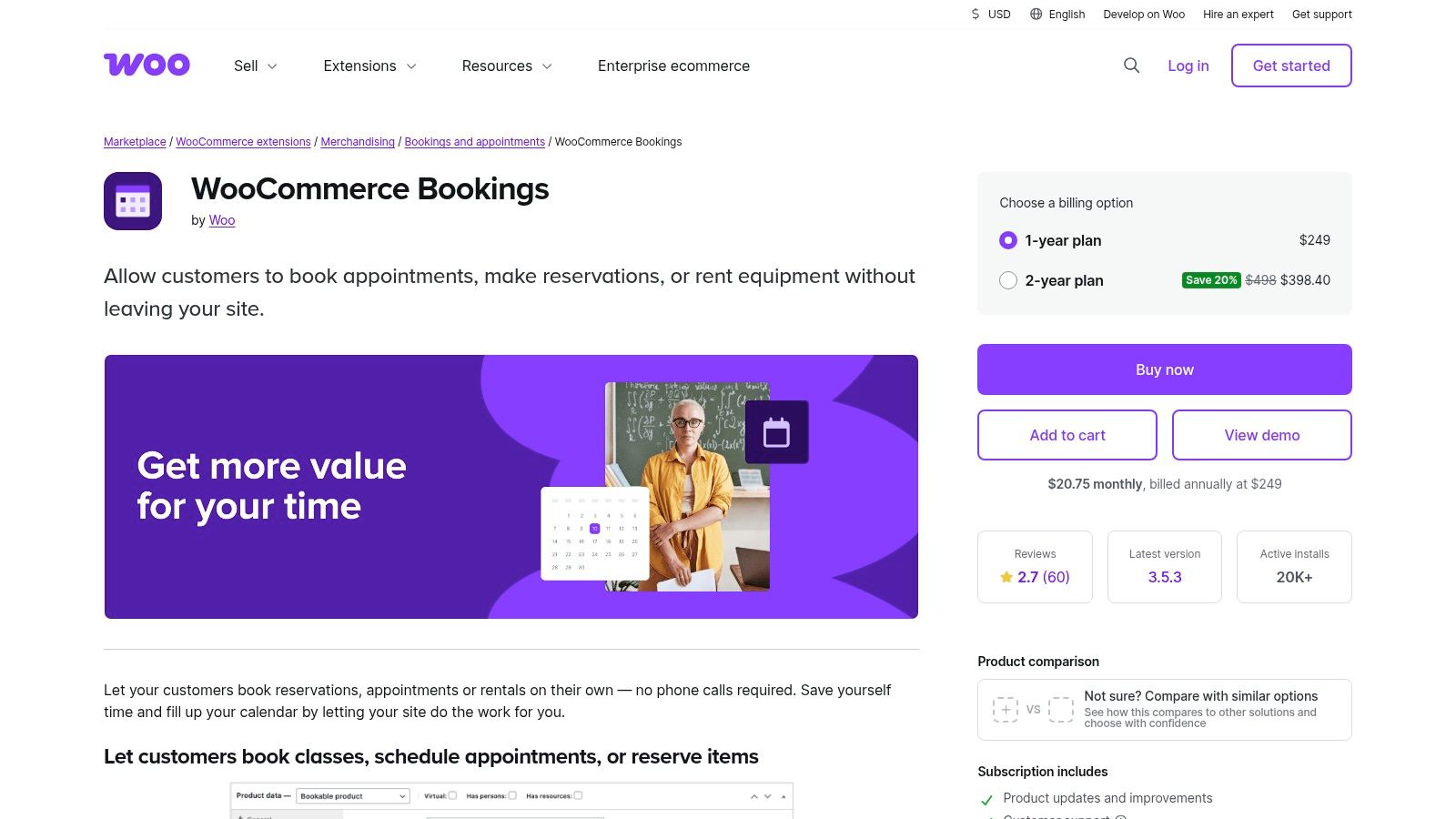
WooCommerce Bookings solves a very different problem from the rest of this list. It isn't about product catalogs at all. It's about selling time. Appointments, rentals, classes, reservations, and service slots all require structured availability, scheduling rules, and buyer-facing date selection that standard WooCommerce products can't handle cleanly.
If your store mixes physical products with time-based services, this extension is often the difference between a workable storefront and a support nightmare.
Why operators use it
WooCommerce Bookings lets you sell fixed slots or customer-selected durations, display availability in the customer's time zone, send reminders, require manual confirmation when needed, and sync with Google Calendar. Those are practical features, not bells and whistles.
The Google Calendar connection alone saves a lot of human error for service businesses. Once a team starts double-booking or manually moving appointments between inboxes and calendars, the store stops feeling like an eCommerce system and starts feeling like a patchwork admin process.
- Strong fit: Consultants, rental businesses, trainers, clinics, and any merchant selling time blocks.
- Helpful combo: Pairing it with AutomateWoo gives you follow-ups, reminders, and post-appointment messaging.
- Where it gets tricky: Layered availability rules, staff-specific calendars, deposits, and resource management can push you toward extra add-ons.
Trade-offs
This extension has a learning curve. Simple setups are manageable. Complex setups need planning, especially if you have multiple staff, variable durations, blackout periods, or confirmation rules.
That said, the first-party integration is valuable. Booking data stays close to orders, products, and customer records, which is exactly where most operators want it.
You can review it at WooCommerce Bookings.
6. TaxJar for WooCommerce

Tax compliance isn't exciting, but it gets expensive when it's wrong. TaxJar for WooCommerce is a practical choice for U.S. merchants that need sales tax calculations, nexus tracking, jurisdiction-level reporting, and filing support without building a manual process across channels.
This is less about conversion and more about preventing finance pain later.
Where it helps most
TaxJar connects WooCommerce to a tax automation system that can handle order-based calculations and reporting, including multi-channel imports from marketplaces like Amazon, Walmart, and Etsy. That's useful for merchants who don't only sell through their own store.
The onboarding tends to be straightforward, which matters because tax tools lose value fast if finance or operations teams don't trust the setup. Seasonality also matters here. A store can coast with manual tax workflows at lower volume, then hit a busy period and realize it has no clean filing process.
Sales tax complexity usually shows up after growth, not before. By the time it hurts, the backlog is already there.
Trade-offs
The main drawback is cost layering. The WooCommerce integration is one piece, but real-time API calculations require a paid TaxJar Professional account, and AutoFile can add extra cost depending on filing needs.
That makes TaxJar a better fit for merchants who already know tax complexity is part of the business. If you're very small and sell in limited jurisdictions, it may be more tooling than you need. If you're selling across channels and states, it starts looking less optional.
7. Avalara AvaTax for WooCommerce
Avalara AvaTax is what I'd classify as the enterprise-grade tax decision. It's for merchants who have moved beyond basic tax automation and need stronger precision, exemption handling, broader system integrations, or more complex cross-border support.
This isn't the lightweight option. That's also the point.
Why larger merchants choose it
AvaTax offers address validation, rooftop-level tax calculations, exemption certificate management, live reporting, and optional duty and tax support for cross-border operations. It also has a broad integration footprint outside WooCommerce, which matters if your stack already includes ERP, accounting, or other commerce systems.
For larger operators, taxes aren't isolated to checkout. They touch procurement, finance, customer service, wholesale processes, and audits. Avalara's value is that it can fit into that bigger operational picture.
Trade-offs
The trade-off is implementation weight. Pricing is quote-based, you need an Avalara account, and setup can be more technical than simpler tax tools. Smaller merchants can easily overbuy here.
- Best for: Higher-volume merchants, businesses with exemption workflows, and stores with broader systems integration needs.
- Not ideal for: Lean teams that mainly want simple tax calculation and filing support.
- Decision test: If tax is already crossing departments, Avalara is worth serious consideration.
For that segment, it's one of the more capable compliance extensions available in the Woo ecosystem. You can explore it at Avalara AvaTax for WooCommerce.
8. ShipStation for WooCommerce
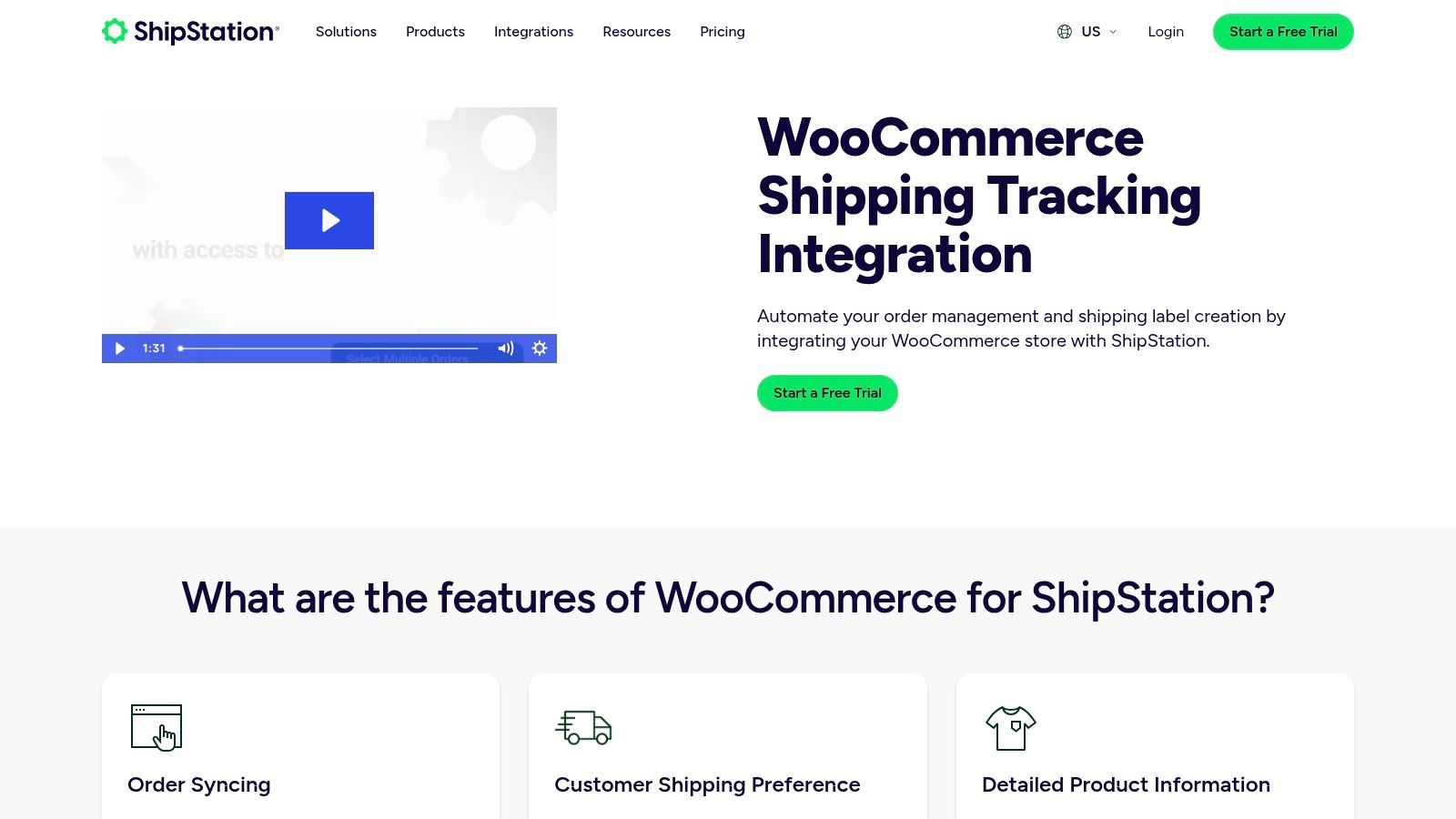
ShipStation becomes useful when shipping turns into an operation instead of a task. If your team is batch printing labels, comparing carrier rates, routing orders through different fulfillment rules, or managing returns at scale, WooCommerce's native tooling starts to feel thin.
That's where ShipStation earns its place.
Operational impact
The platform syncs orders from WooCommerce, supports automation rules and batching, enables rate shopping across carriers, offers discounted rates, and centralizes label creation, returns, and tracking notifications. For growing stores, the main value isn't the label itself. It's process consistency.
A shipping team that fulfills from one screen with defined automation rules makes fewer mistakes than a team copying data into multiple carrier portals.
Independent plugin roundups also consistently frame top WooCommerce extensions around measurable store outcomes like cart recovery, upsells, social proof, and analytics, which is a useful reminder that operational extensions should also be judged by their business effect, not just by feature count (SeedProd WooCommerce plugin roundup).
Trade-offs
ShipStation is a subscription product, and plan features vary. That means you need to check current plan fit before assuming all shipping automation features are included at your tier.
It's also important to understand what ShipStation doesn't solve. It handles fulfillment and shipping workflows well. It doesn't replace pre-checkout compliance logic for restricted destinations. For regulated-goods merchants, that distinction matters a lot.
If your pain is shipping throughput, ShipStation is strong. If your pain is shipping legality, you need another layer before it.
Review the integration at ShipStation for WooCommerce.
9. PluginHive WooCommerce UPS Shipping Plugin
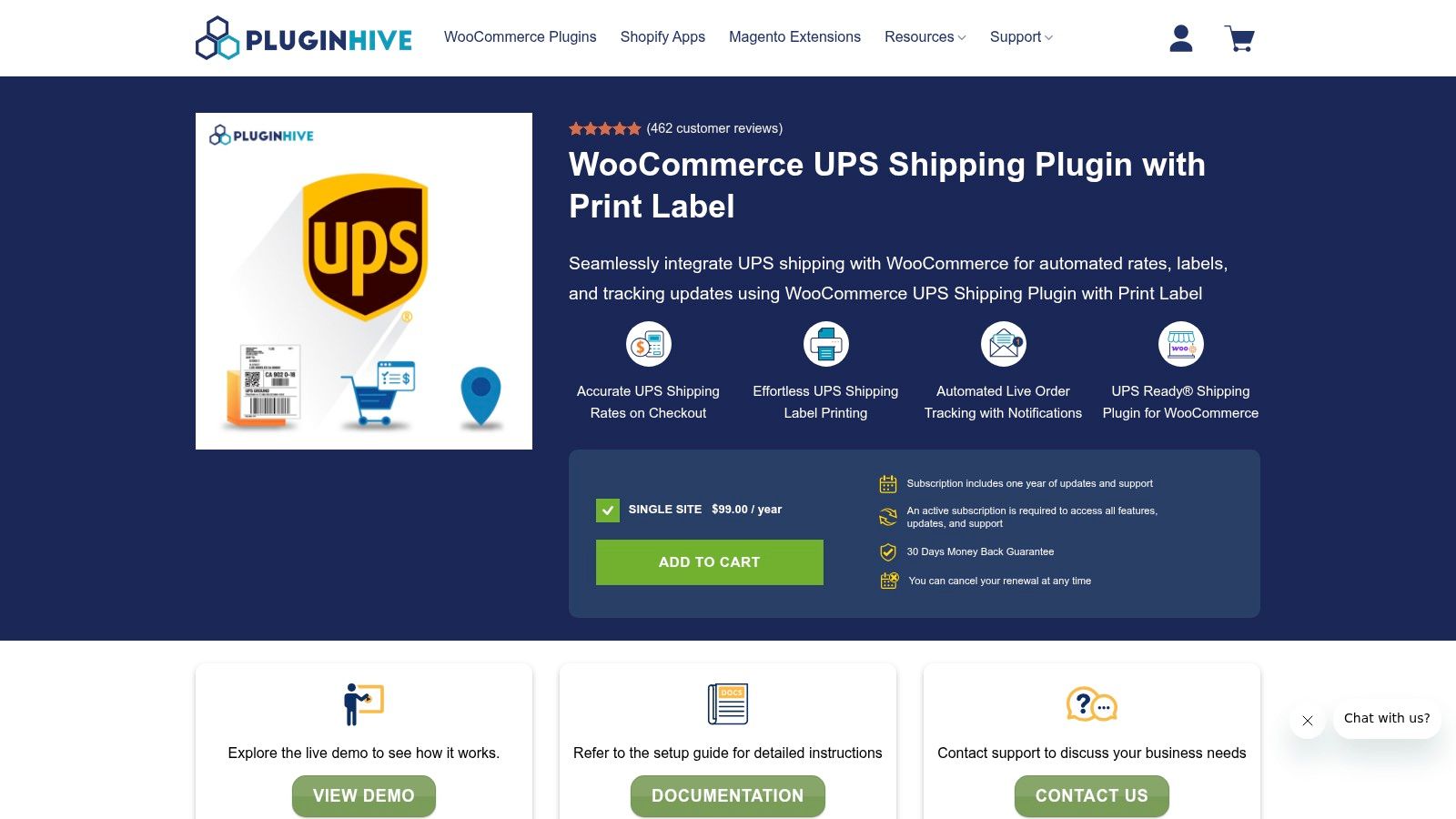
Some stores don't need a multi-carrier shipping hub. They need UPS to work properly inside WooCommerce. That's the role PluginHive's WooCommerce UPS Shipping Plugin fills.
I like specialized carrier plugins when the carrier is central to the business. If most of your orders run through UPS, broad shipping software can be overkill.
Where it fits best
This plugin is UPS Ready certified and supports real-time UPS rates, negotiated rates, dimensional weight handling, one-click label generation from the order screen, and automatic tracking updates to customers. It also supports international documentation, HazMat, Access Point, and SurePost.
That feature mix makes it a strong operational tool for stores that already know UPS is the shipping backbone.
Specialized shipping plugins work best when your warehouse team already has a carrier standard. They work worst when you're still experimenting with every shipment.
Trade-offs
You're committing to a UPS-centric workflow, which is great if that's intentional and limiting if it isn't. It's also a paid annual license, and some advanced store setups may still need companion plugins for subscription products or special pricing logic.
For UPS-heavy merchants, though, a purpose-built plugin often creates less friction than a bigger platform with shallower carrier-specific controls.
You can check it out at PluginHive WooCommerce UPS Shipping Plugin.
10. Universal Address Autocomplete
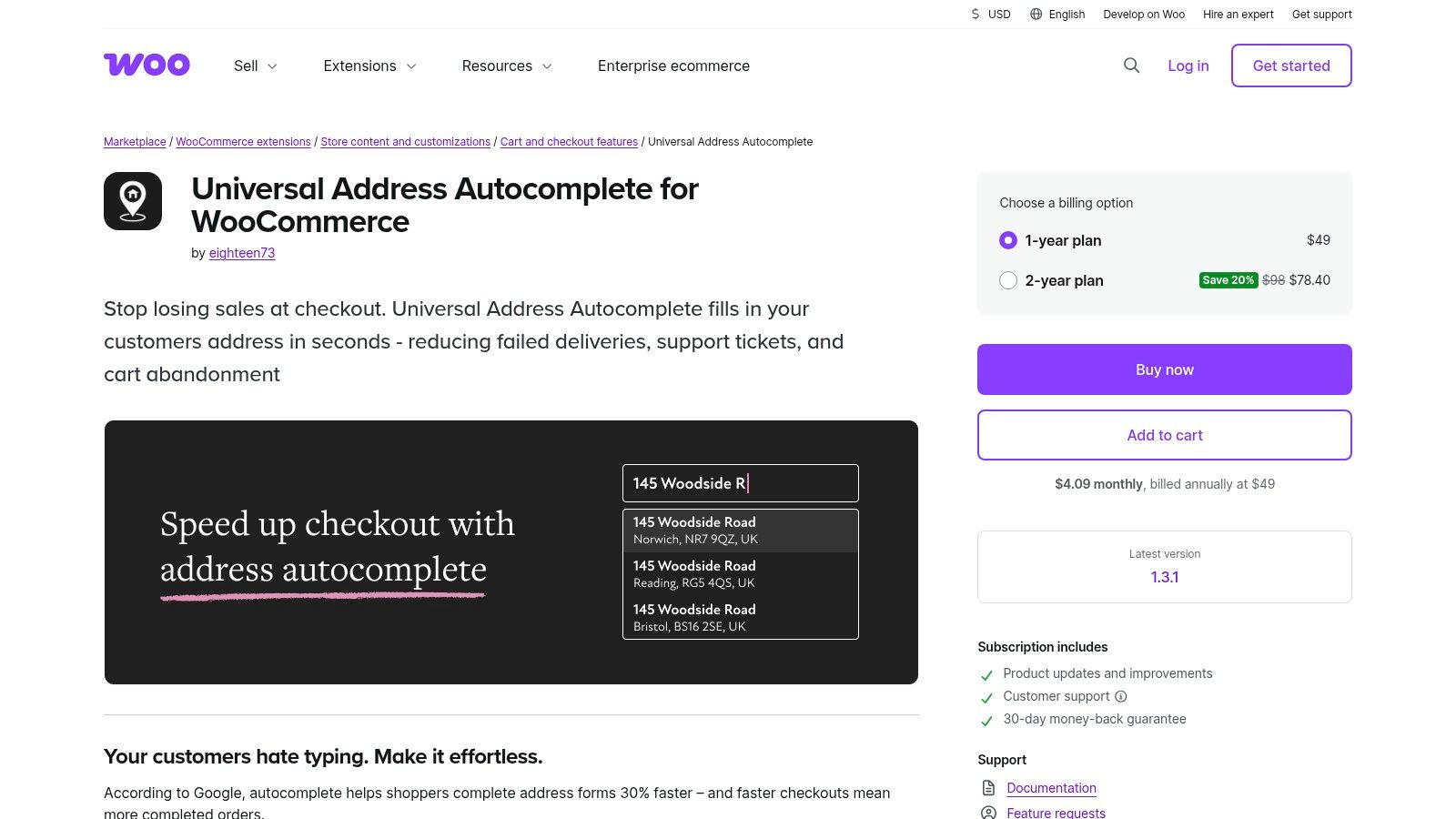
Universal Address Autocomplete is the kind of plugin merchants often postpone because it feels cosmetic. It isn't. Bad address entry creates failed deliveries, delayed shipments, manual corrections, and abandoned checkouts.
A smoother address form improves more than conversion. It improves downstream operations.
Why it matters
The extension adds address autocomplete for billing and shipping fields, supports multiple providers, works with classic and block checkout, and gives merchants control over provider and API configuration. The best implementation benefit is speed. Customers type less, and staff spend less time fixing obvious address mistakes later.
This is especially useful for stores shipping nationally or internationally where formatting errors create fulfillment friction.
- Operational benefit: Fewer typos and less manual address cleanup.
- Customer benefit: Faster checkout with less form fatigue.
- Cost watch: External providers may charge separate API fees, so the plugin license isn't the whole cost.
Trade-offs
Address autocomplete doesn't validate legal eligibility or business rules by itself. It improves input quality, not compliance policy. That distinction is important for merchants who sell restricted products. A correct address still may be an ineligible address.
Still, as a checkout enhancement, it's a smart addition for stores that want fewer delivery issues and a cleaner checkout flow.
See Universal Address Autocomplete.
Top 10 WooCommerce Extensions: Feature Comparison
| Product | Key features ✨ | Target audience 👥 | Quality ★ | Pricing & value 💰 |
|---|---|---|---|---|
| 🏆 Ship Restrict | ✨ Granular rules (state/county/city/ZIP), bulk rules, scheduled updates, custom messages | 👥 WooCommerce merchants selling regulated goods (firearms, ammo, vape, CBD, etc.) | ★★★★★ | 💰 $29.99/mo · $239.99/yr · Enterprise custom · 3‑day trial & 30‑day guarantee |
| WooCommerce Subscriptions | ✨ Recurring billing, trials, proration, subscriber self‑service | 👥 Merchants selling subscriptions, memberships, boxes | ★★★★☆ | 💰 Annual premium license; strong ROI for recurring revenue |
| WooPayments (official) | ✨ Stripe-powered on-site checkout, wallets, BNPL, multi‑currency | 👥 Stores needing integrated payments and fewer dashboards | ★★★★☆ | 💰 No plugin fees; standard processing & FX fees apply |
| AutomateWoo | ✨ Prebuilt workflows (cart recovery, lifecycle, subscription triggers) | 👥 Merchants wanting on‑site automation without external SaaS | ★★★★☆ | 💰 Affordable single-site license |
| WooCommerce Bookings | ✨ Bookable products, calendar & Google Calendar sync, reminders | 👥 Service providers, rentals, classes | ★★★★☆ | 💰 Paid extension; add‑ons for complex setups |
| TaxJar for WooCommerce | ✨ Nexus tracking, real‑time tax calc, AutoFile option | 👥 US sellers needing multi‑state sales tax automation | ★★★★☆ | 💰 Requires TaxJar account; Professional/API from ~$99/mo |
| Avalara AvaTax for WooCommerce | ✨ Rooftop‑level tax calc, exemption management, cross‑border features | 👥 Enterprise/high‑volume merchants with complex tax needs | ★★★★☆ | 💰 Quote‑based enterprise pricing; implementation effort |
| ShipStation for WooCommerce | ✨ Multi‑carrier rate shopping, bulk labels, returns & automation | 👥 Scaling merchants, multi‑warehouse fulfillment teams | ★★★★☆ | 💰 Tiered subscription plans; 30‑day trial |
| PluginHive UPS Shipping Plugin | ✨ Live UPS rates, one‑click label printing, tracking, HazMat support | 👥 Stores primarily using UPS (negotiated rates) | ★★★★☆ | 💰 Annual license; pricing varies by plan |
| Universal Address Autocomplete | ✨ Fast address autocomplete, multiple providers, checkout compatibility | 👥 Merchants wanting fewer address errors & better conversions | ★★★★☆ | 💰 Marketplace annual fee; provider API costs may apply |
Final Thoughts
A good WooCommerce stack solves the problem that is already costing the business money, time, or control.
For one store, that problem is failed payments and weak recurring revenue, so Subscriptions and WooPayments move to the top of the list. For another, it is tax exposure across multiple states, which makes TaxJar or Avalara the smarter first purchase. Service businesses usually feel the pain in scheduling, no-shows, and calendar management, so Bookings carries more operational value than another marketing add-on.
Shipping creates a sharper split. Stores selling standard consumer goods usually need faster fulfillment, carrier rate visibility, label printing, and returns workflows. Stores selling regulated products face a different risk. They need to prevent orders that should never be accepted in the first place.
That distinction matters. Firearms, ammunition, alcohol, vape, CBD, pharmaceuticals, and other restricted categories cannot treat compliance as a minor shipping setting. The extension stack has to reflect legal reality at checkout, before the order becomes a refund, a manual review, or a compliance problem for the team to clean up later.
The strongest setups also keep responsibilities clear. Use one tool for recurring billing, one for payments, one for shipping operations, and one for restriction logic. That separation reduces conflicts, makes troubleshooting faster, and gives each plugin a defined job inside the order flow.
Setup discipline matters just as much as plugin selection. A subscription order for a restricted product has to pass both billing logic and destination rules. Automated emails should match payment status, booking confirmations, shipping events, and exception handling. Stores run better when the stack is built around real workflows instead of plugin popularity.
Start with the extension tied to your biggest operational bottleneck. That is usually where the first measurable return shows up.
If you sell regulated products on WooCommerce, Ship Restrict is the first extension to evaluate. It applies pre-checkout shipping restrictions by state, county, city, and ZIP, which helps stop non-compliant orders before they turn into cancellations, chargebacks, and support work.
Automate Shipping Compliance
Stop worrying about restricted states. Ship Restrict handles it automatically.

Cody Yurk
Founder and Lead Developer of ShipRestrict, helping e-commerce businesses navigate complex shipping regulations for regulated products. Ecommerce store owner turned developer.
Automate Shipping Compliance
- Block restricted states
- No more cancellations
- Set and forget
3-day free trial · Card required